JeriCommerce Loyalty is the built-in loyalty program that works seamlessly with your JeriCommerce Wallet Pass and Shopify Loyalty Hub. It's designed for brands that want a simple, integrated way to manage points, rewards, and loyalty flows directly within the JeriCommerce platform — without relying on third-party providers.
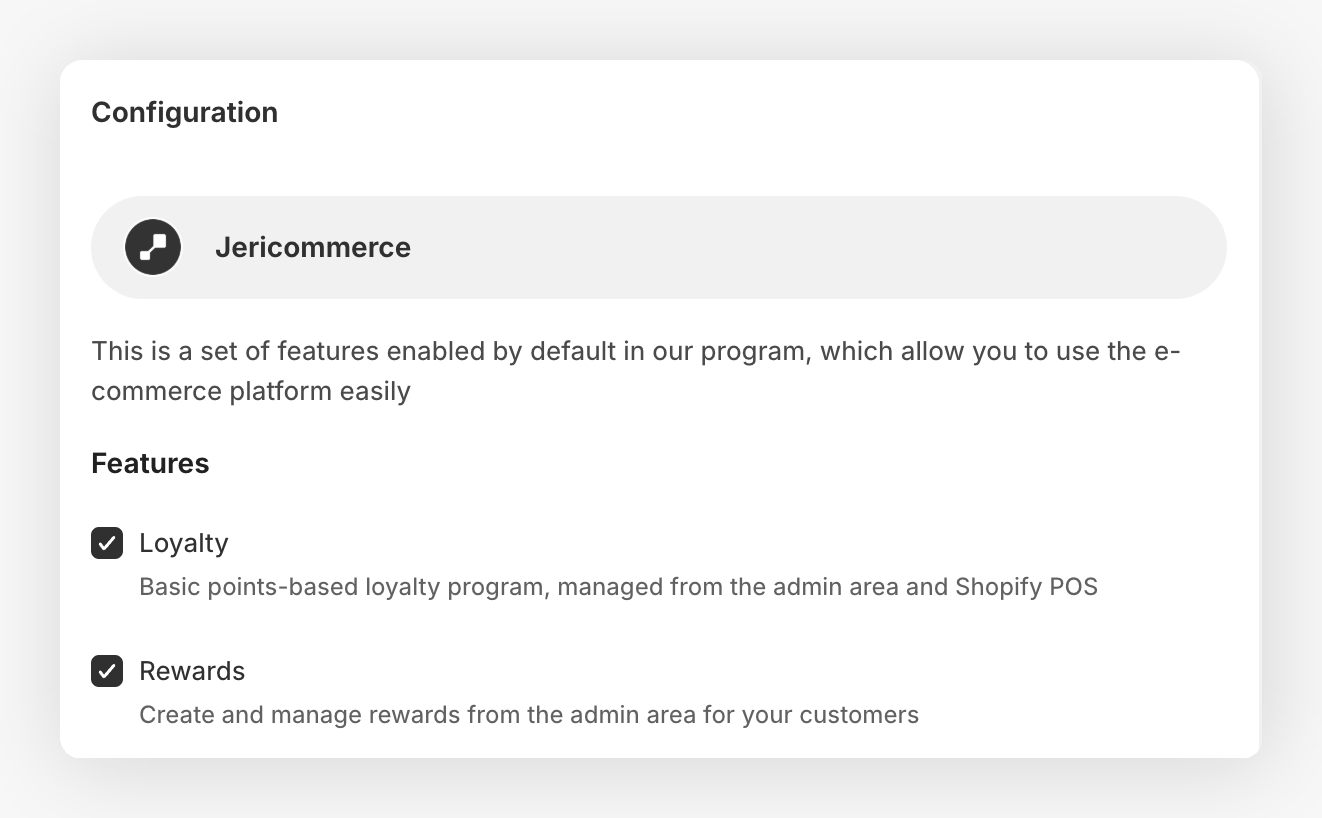
What's Included 
Ways to Earn 
Create automations for customers to earn points based on specific actions. Set up these earning flows in the JeriCommerce admin under Loyalty > Ways to earn.
Available earning actions:
- Purchase-based — Set points per euro spent. Learn how it works.
- Referral-based — Reward customers when their referred friend completes a key action (e.g., signup, first purchase). Learn how it works.
- Other earning flows: See the Welcome Customer flow and the earning flows guide for other available options.
Each flow is rule-based and can include limits and conditions.
Ways to Redeem 
The built-in rewards system lets you engage loyal customers with gifts based on their spending and interactions with your brand — like installing the loyalty card or making purchases.
You can design the incentives customers redeem using their earned points. Rewards can use Shopify fixed amount, percentage, free shipping, or Buy X get Y discounts. A reward can have a set point cost or let customers choose how many points to redeem. See the reward setup guide.
Rewards are linked to Shopify discounts. In the standard flow, customers receive codes from a pre-generated batch.
Rewards can use on-demand Shopify codes. For customer-chosen point amounts, see Points as cash rewards.
Check out our guides to learn more:
- How do JeriCommerce Rewards work?
- Increase reward usage by notifying customers when a reward is available
Coupons 
Coupons are a great loyalty tool for promotions or to re-engage customers who haven't visited your store in a while. They work like gift cards, but only customers with the loyalty card can receive them.
- Coupons can be assigned separately from rewards, using a Shopify discount or uploaded codes.
- They can be delivered via the Wallet Pass or email/SMS.
- You can track redemptions in your Shopify dashboard.
Related guides:
- How to create and use coupons
- Assign coupons: How to give a coupon to a customer
- Assign coupons from Klaviyo
- Assign coupons from Shopify Flows
Customer Tiers (Status Levels) 
The Tier system lets you create hierarchical status levels for your customers (like Bronze, Silver, or Gold) based on their cumulative spending or loyalty points earned. Customers automatically progress through tiers, unlocking new benefits and recognition as they reach defined thresholds.
Tier Documentation Index
Full overview of the tier system.
Tier Fundamentals
Structure, logic, and how tiers work.
Tier Points & Status
How tier points are calculated and assigned.
Tier Notifications
Automatic notifications when customers move tiers.
Shopify Loyalty Hub 
The Shopify Loyalty Hub is the default customer-facing experience for new Shopify launches. It gives merchants one Shopify-friendly place to explain the program to guests and one logged-in destination where customers can see their real status, redeem rewards, and complete earning actions.
Use the hub before adding smaller extensions:
- Storefront hub — The main public loyalty page for program explanation, rewards, earning flows, tiers, and logged-in customer actions.
- Customer account hub — The built-in New Customer Accounts destination for customers who manage loyalty from their account area.
Optional Shopify Extensions 
Add these only when the store needs a specific extra placement outside the hub:
- How to use the JeriCommerce Storefront Widget
- Setting up Points Accumulation Extensions (Product & Cart)
- Setting up Checkout Rewards Extensions
Labels and Customization 
- Customize how points, rewards, and messages appear in the Wallet Pass.
- Set the point name (e.g., Stars, Coins) and reward naming.
- Define terms shown on the pass or user interfaces.
Automatic Notifications on Loyalty Updates 
JeriCommerce automatically sends push notifications when:
- A customer's point balance changes
- A new reward becomes available
See how automatic loyalty notifications work
What's Not Included 
- Advanced earning flows (coming soon)
For more advanced flows, you can build automations through Shopify Flow using our pre-built templates or by creating new workflows with Wallet Pass triggers and actions.
When to Use JeriCommerce Loyalty 
JeriCommerce Loyalty is ideal if:
- You want a fast and easy loyalty setup directly inside Shopify.
- You're looking for a full omnichannel loyalty experience.
Example Setup
- Earn 1 point per 1 EUR spent
- Refer a friend and earn 500 points when they place their first order
- Redeem 500 points for a 5 EUR discount
Hub and Wallet Integration 
Customers can see their loyalty information in both places: the Loyalty Hub and the Loyalty Card. From either experience, they can:
- Check their current point balance
- View and redeem available rewards
- Access referral links