JeriCommerce provides a dedicated Shopify App Extension that brings loyalty program details directly into the customer account area. Logged-in customers can immediately view their point balances and access rewards from their Shopify account profile.
Open Customize → Account loyalty block to review the setup, then click Configure on Shopify.
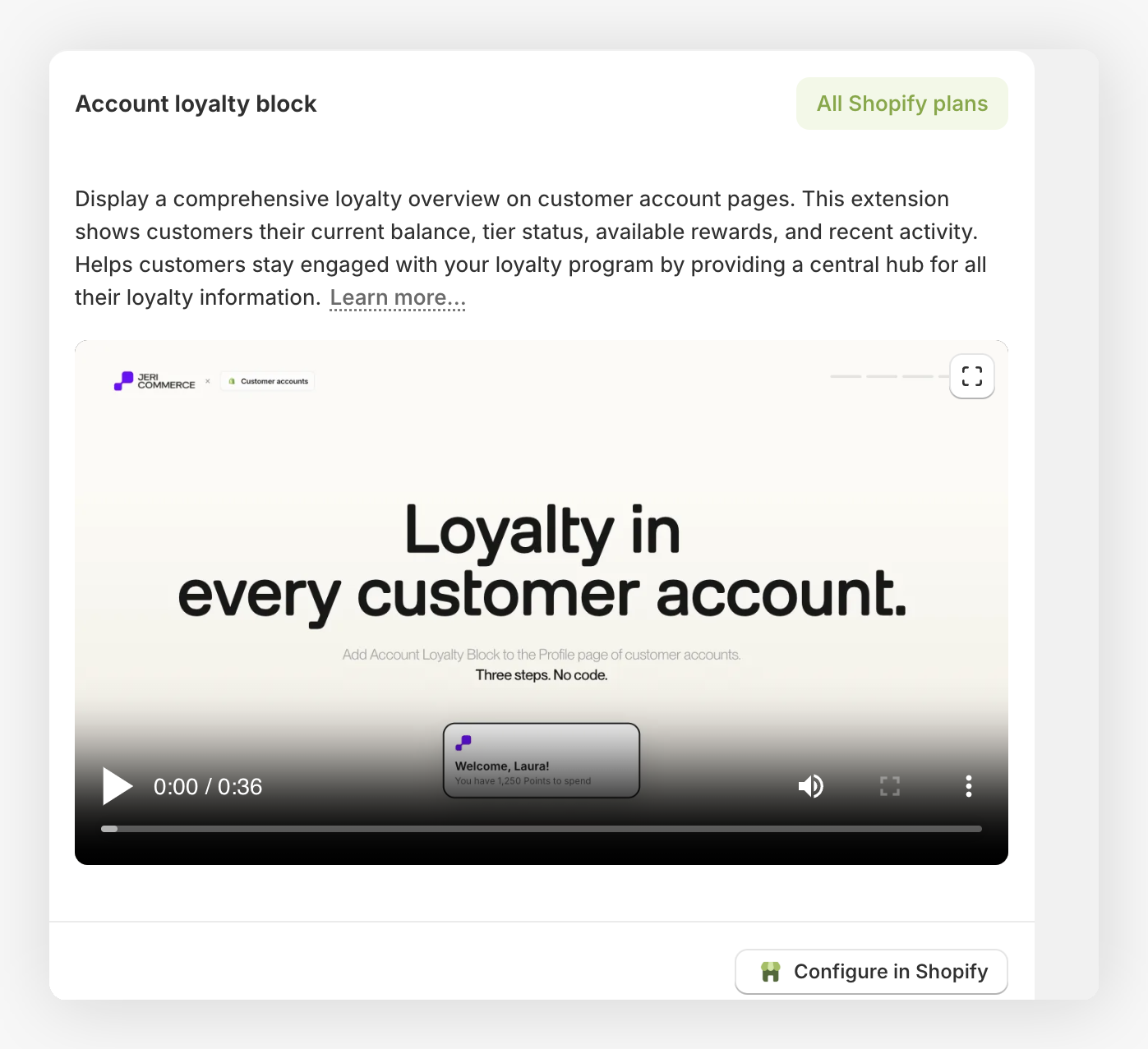
What Customers See 
The Account Loyalty Block sits within the customer profile and shows a summary of the customer's current status.
- Dynamic welcome message — Displays a personalized header that can include the customer's name, current point balance, and tier level.
- Real-time data — Automatically pulls the latest loyalty information, such as
[points],[balance_name], and[tier]. - Visual context — Includes customizable icons (like a gift card, star, or savings) to make the loyalty section stand out.

Interactive Reward Actions 
The block supports up to two customizable buttons to guide customers toward high-value actions.
- Primary action — Typically used to direct customers to their available rewards or the main loyalty dashboard.
- Secondary action — Can be turned on to show additional links, such as "How to earn points."
- Deep linking — Buttons can be set up with specific URLs (defaulting to
/#jeri=loyalty/rewards) to open the JeriCommerce interface instantly.

How to Set It Up 
Native Integration 
This extension is available as a Shopify App Block:
- Customer Account Page — Add it as a block within the native Shopify customer account template.
- Flexible placement — Drag and drop the block to your preferred position on the profile page using the standard Shopify Theme Editor.
Customize the Look 
The block's content and appearance are managed through the Shopify block settings:
- Header customization — Use variables like
[customer_name],[points], and[tier]to create dynamic titles (e.g., "Welcome [customer_name], enjoy your [points] [balance_name]"). - Button styling — Customize the labels, tone, and visual variant for both buttons to match your theme's design.
- Icon selection — Choose from several built-in icons (gift-card, star, savings) or go with no icon for a more minimal look.
