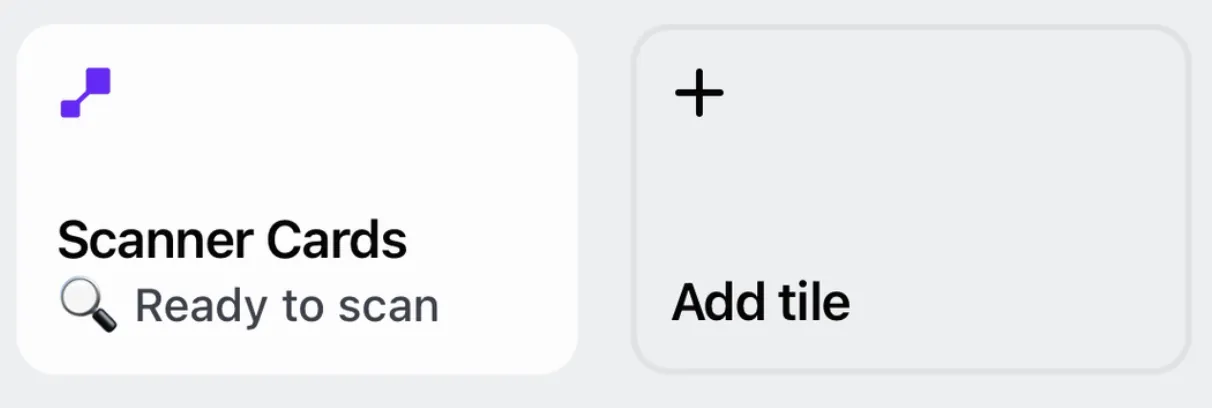
One of the best use cases for using the digital loyalty card for in-person sales is to quickly identify customers and associate it with their orders. To do this in an easier way, all our loyalty cards with the Shopify integration display the customer identifier on wallet QR.
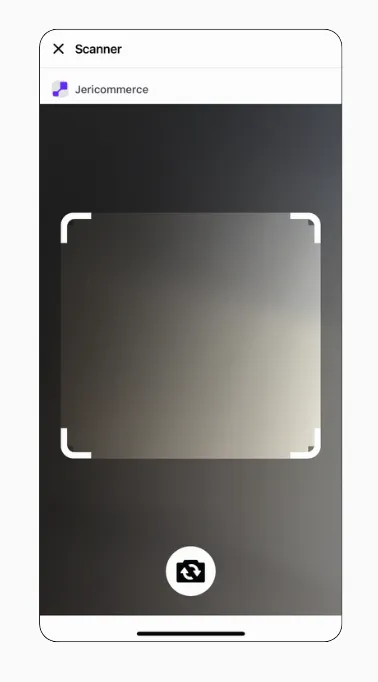
We have a tile on the Shopify POS app called "Scan customer's QR". Tap it and scan any JeriCommerce QR — the customer's loyalty card, a reward, or a discount — with the device's camera or a QR scanner gun. The app closes and applies the code to the current order.
The scanner also understands the compact customer QR format used by new referral links. It looks up the customer in JeriCommerce and applies the matching Shopify customer to the cart. Older customer QR links and discount-code QR codes remain supported.
Scan with a VTAP Bluetooth keyboard 
A VTAP BLE keyboard reader sends the scanned customer identifier as keyboard input while the Scan customer's QR screen is open. The scanner recognizes supported customer ID formats, including UUIDs emitted in different keyboard formats, then looks up and attaches the customer to the current POS cart. This path does not require a WiFi-linked reader.
The Bluetooth keyboard path is separate from NFC readers linked to a POS. A linked NFC reader sends the tap to its connected POS. See how to connect an NFC reader to Shopify POS and set up VTAP reader WiFi for that reader path.