Welcome new customers with points after they confirm their account. This earning flow builds engagement and trust from day one, and it helps cut down on fake and duplicate accounts at launch.
This flow used to be called Verify account. It is now named Welcome customer in Loyalty > Ways to earn. The way it works hasn't changed.
Go to Loyalty → Ways to earn → Welcome customer to turn it on.
How the Earning Works 
You set a fixed number of points. The system credits them automatically when the customer verifies their account.
Set the point amount
Choose how many points customers receive for verifying.
Customer verifies their account
The customer completes the verification process (via email or another available method).
Points are credited
Once verification is confirmed, JeriCommerce adds the points to their balance. The points are not guaranteed to appear instantly while the update is processed.
Points are awarded only once per customer — verification is a one-time action.
An initial customer import does not count as a new verification and does not trigger this earning flow.
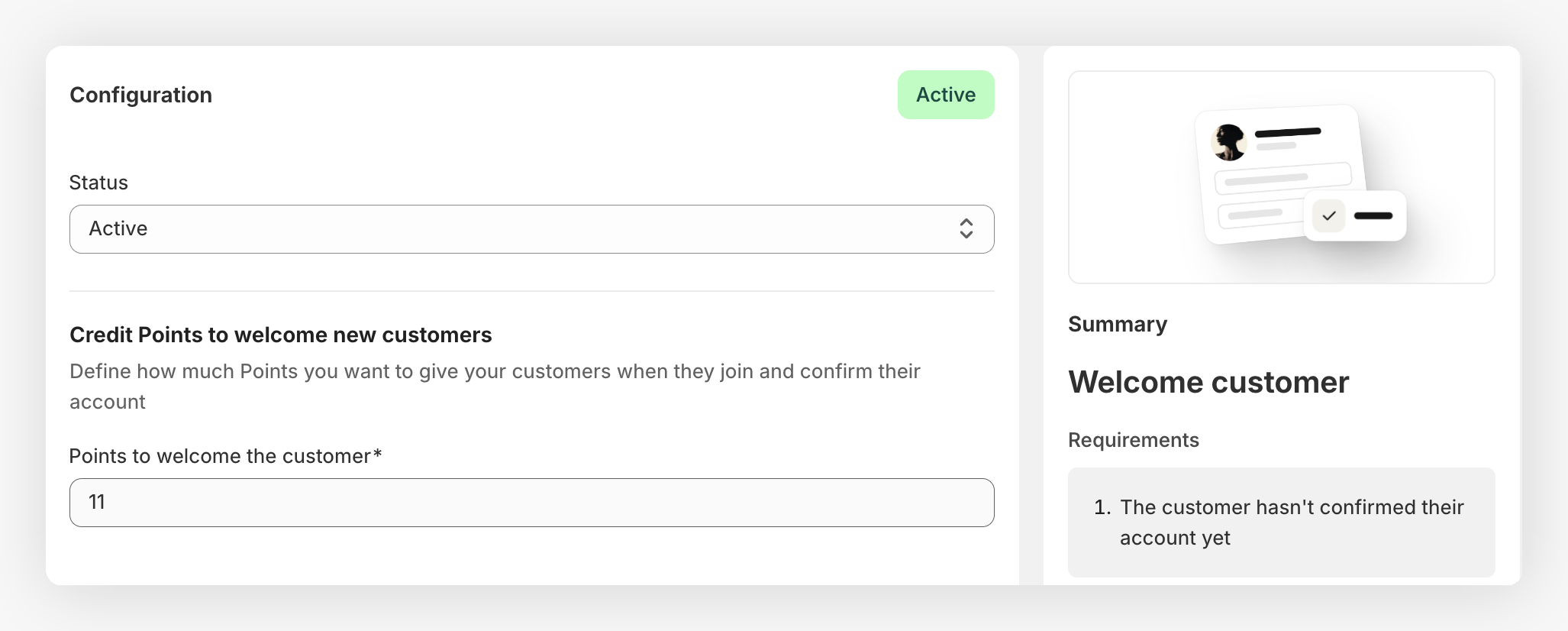
Example 
You set this flow to 10 points.
- A new customer registers but has not verified their account yet
- The customer clicks the verification link in their email
- After JeriCommerce confirms the verification, the system credits 10 points to their balance
- If the customer tries to verify again, no further points are awarded