The web app linked to the wallet pass lets your customers manage their loyalty program from their mobile devices. They can check their balance, see available earning flows, redeem rewards, view discounts, and track their orders — all in one place.
How to Access It 
The web app is directly connected to the customer's wallet pass.
To open it:
- Go to the back of the wallet pass (on iOS or Android).
- Tap "View my profile," "See my rewards," "Discounts," or any labeled link.
- The web app opens in the browser, showing the customer's personalized account view.
No login is required — access is securely linked to the customer's account.
Available Sections 
You can link the following direct accesses from the wallet pass:
- Rewards — Browse and redeem available rewards
- Earning Flows — See how to earn more points
- Discounts — View assigned coupons
- Orders — Track order history
- Referral Page — Share referral links with friends
- Profile — Update personal information
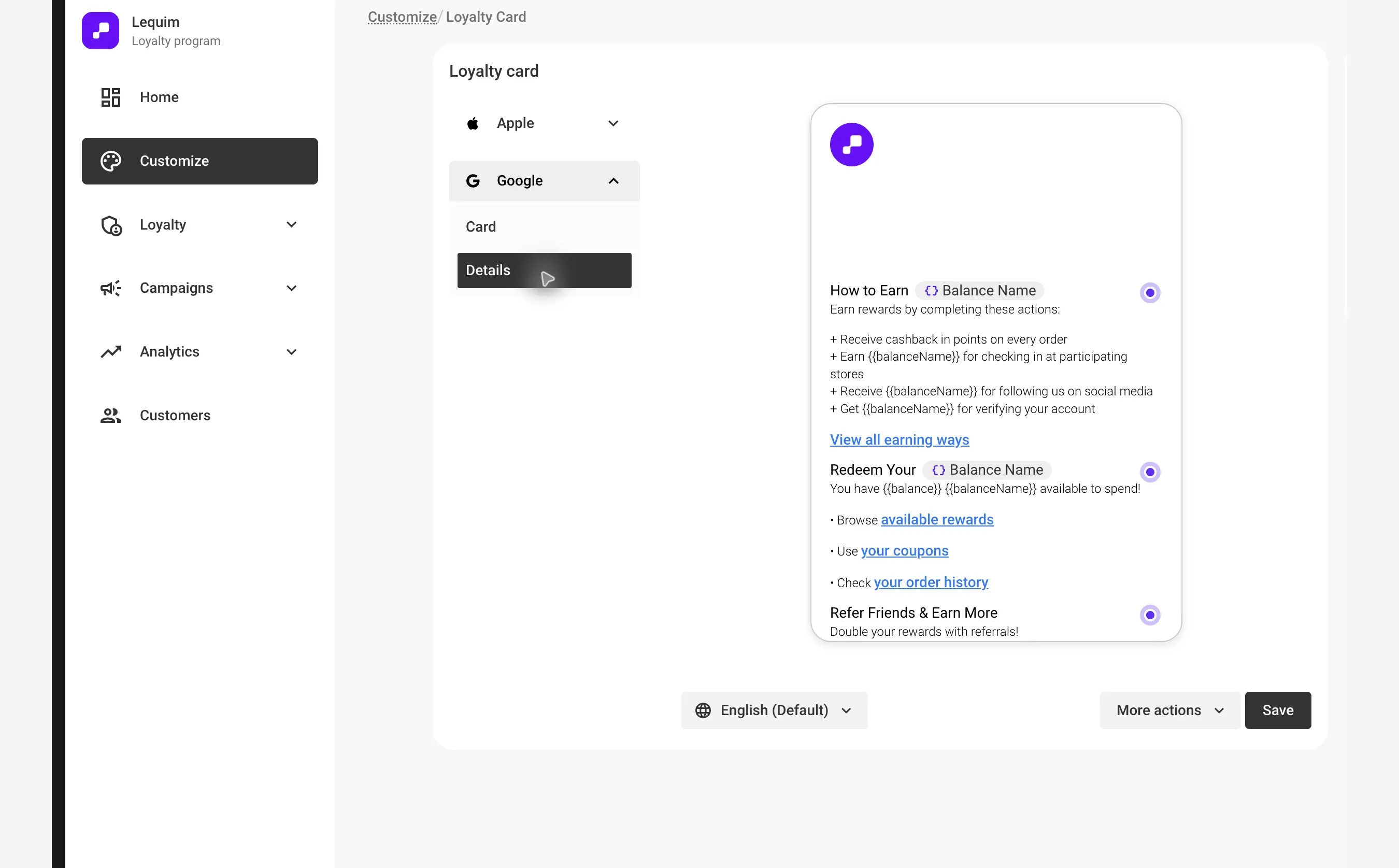
Redeem Points as Cash 
When a Points as cash reward is available, the Rewards tab shows the customer's balance and how much discount they can redeem. The displayed maximum accounts for the reward's conversion rate, redemption limit, and available points.
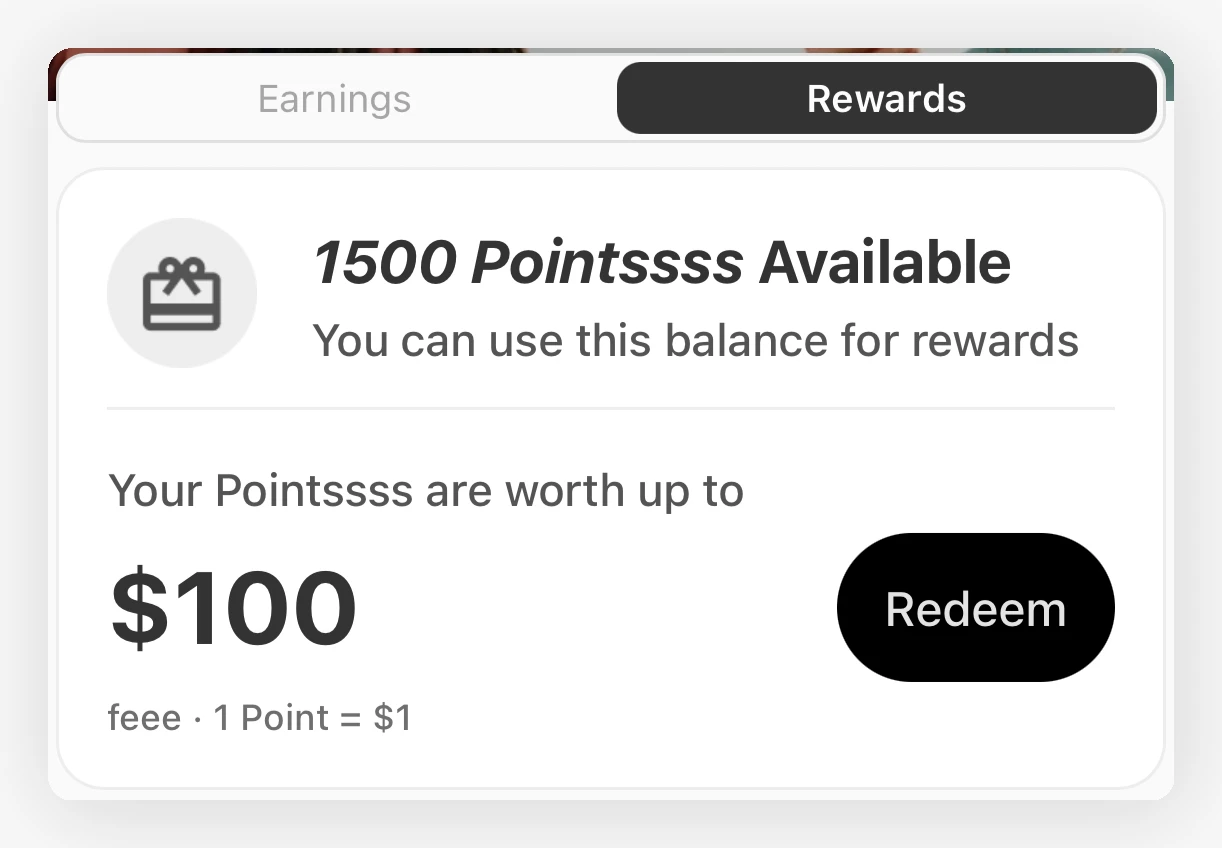
Tapping Redeem opens the amount selection screen. Customers choose a suggested amount or use Customize amount, review the points cost and remaining balance, then confirm the redemption.
Customers can return to View my discounts to find their redeemed codes and any expiry.
Reminder for unused discount codes 
When a customer has redeemed discount codes they haven't used yet, the Rewards tab shows a banner under their balance, for example "You have 2 discount codes ready to use". If the next code expires within seven days, the banner also shows its expiry date. Tapping the banner opens their discounts, where expired codes are marked Expired. A code counts as ready to use until it's used in an order or expires.