JeriCommerce offers a built-in integration to connect your Klaviyo account. The connection uses OAuth, which lets both platforms communicate securely without sharing passwords.
How to connect Klaviyo 
Open the Klaviyo integration
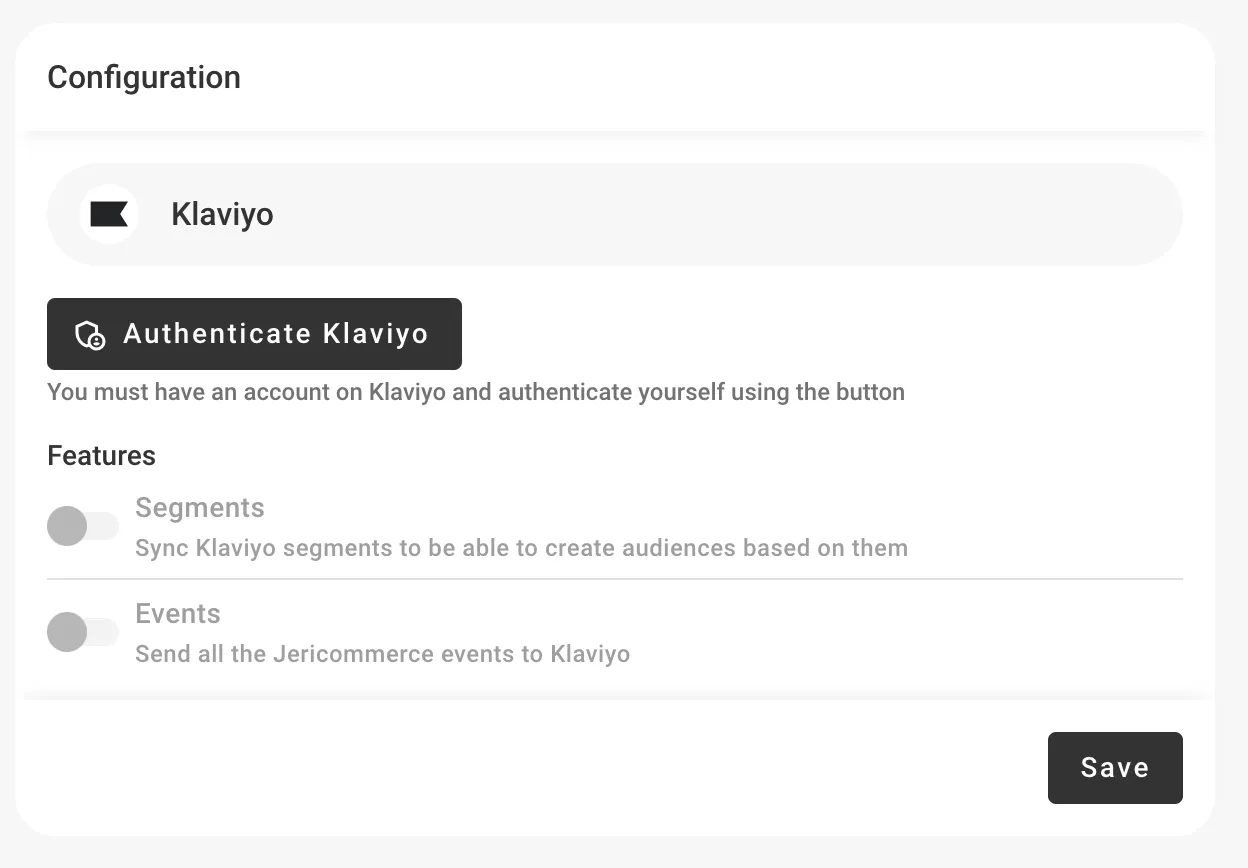
In the JeriCommerce admin, go to Settings > Integrations > Klaviyo.
Authorize access
Click Connect to start the OAuth flow. You'll be redirected to Klaviyo to grant access to your account.
Turn on the features you need
After connecting, you can turn on three modules:
- Events and Customer Hub: Sync wallet events to Klaviyo profiles for flow triggers and segmentation
- Segments — Sync Klaviyo segments to JeriCommerce for targeted campaigns
- Custom fields: Sync customer properties (balance, tier, download URL) to Klaviyo profiles
To replace JeriCommerce's automatic emails with Klaviyo, Events and Customer Hub is required and Custom fields is recommended for loyalty data and reusable profile properties. Segments is optional for email flows. Follow Send Automatic Emails from Klaviyo for the complete setup and event mapping.
Disconnect the integration 
If you need to remove the connection, go to Settings > Integrations > Klaviyo and click More actions → Uninstall integration.
Disconnecting revokes JeriCommerce's access to your Klaviyo data. Events, segments, and custom fields will stop syncing immediately.